Choosing the right software to drive your laser cutting and engraving machine can significantly affect your productivity, creative capabilities, and overall user experience. When comparing Lightburn vs RDWorks, the decision often comes down to the type of user you are, the features you require, and the level of flexibility your workflow demands.
In this article, we’ll break down both software platforms, explore their strengths and weaknesses, and offer guidance based on the experience of Thinklaser customers using our Lightblade range of laser systems.

What is RDWorks?
RDWorks is a proprietary software package developed by Ruida Technology, and it is typically bundled with CO₂ laser machines using Ruida motion control boards—such as the Thinklaser Lightblade series. RDWorks allows users to import, edit, and manage files for cutting and engraving, offering basic vector drawing tools, layer-based processing, and control over power and speed settings.
While RDWorks is free and functional, it is often considered basic in design and somewhat unintuitive, especially for users with limited technical backgrounds or creative design experience.
What is Lightburn?
Lightburn is a paid, third-party laser control software developed to support a wide range of motion controllers, including Ruida. It provides an extensive suite of features for design, layout, image manipulation, and laser control, all within a modern, user-friendly interface. It has quickly become the software of choice for many laser professionals and enthusiasts due to its active development, responsive support community, and superior workflow tools.
Comparing Lightburn vs RDWorks
User Interface and Ease of Use
- RDWorks: Functional but outdated interface, with a steeper learning curve.
- Lightburn: Intuitive and modern, designed with user experience in mind.
Features and Design Capabilities
- RDWorks: Basic design tools, suitable for simple shapes and imported artwork.
- Lightburn: Advanced vector editing, text tools, image tracing, boolean operations, node editing, and more—all built in.
Workflow Efficiency
- RDWorks: Requires switching between design and processing tabs; limited file support.
- Lightburn: Streamlined all-in-one environment with real-time editing and previewing.
Compatibility with Controllers
- RDWorks: Designed exclusively for Ruida controllers.
- Lightburn: Supports Ruida, Trocen, TopWisdom, and more—including Galvo-based systems (see below).
Support and Documentation
- RDWorks: Limited official support; some community documentation available. (Check out the Forum at our partner site for a full English language RDWorks Manual).
- Lightburn: Extensive user forums, video tutorials, and direct developer engagement.
Cost of Ownership
- RDWorks: Free with Ruida-based machines like the Lightblade.
- Lightburn: Modestly priced licence with lifetime ownership and optional updates.
Compatibility with Thinklaser’s Lightblade Range
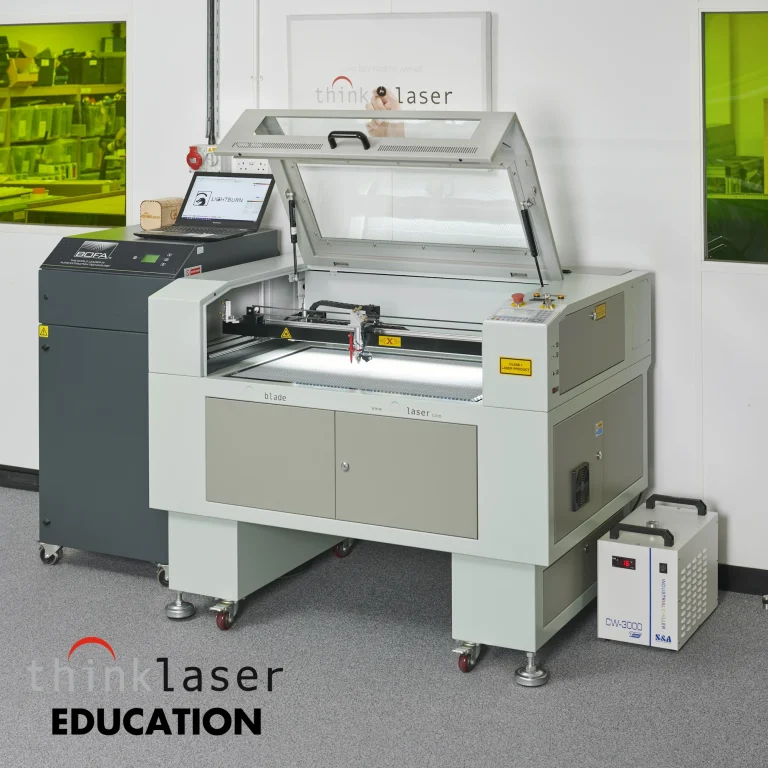
All Thinklaser Lightblade laser cutting and engraving machines are equipped with high-performance Ruida controllers, making them compatible with both RDWorks and Lightburn. For educational institutions and budget-conscious users, RDWorks may suffice for basic operation. However, many of our customers—from design studios to engineering firms—choose to upgrade to Lightburn for its significantly enhanced design tools, workflow, and user experience.
We also provide training and technical support for both platforms, helping you maximise the value of your Lightblade investment regardless of software choice.
Lightburn’s Support for Galvo-Based Laser Systems
In addition to CO₂ gantry machines, Lightburn has recently expanded its capabilities to support Galvo-based fibre laser systems. These systems—commonly used for high-speed marking, engraving, and serialization—traditionally rely on software like EZCad, which many users find limiting.
Lightburn now supports selected Galvo controllers (including EZCad2-compatible boards), offering a unified design and control experience across both gantry and Galvo platforms. For customers operating both types of systems, this represents a major advantage—enabling consistent workflows, shared files, and a familiar user interface across their entire laser equipment fleet.
At Thinklaser, we view this development as a significant step forward, especially for businesses involved in both cutting and marking applications. As we expand our offerings to include systems such as the LightScribe WS Pro and other fibre-based solutions, Lightburn’s dual-compatibility can serve as a future-proof software foundation for our customers.
Which Software is Right for You?
Choosing between Lightburn vs RDWorks depends on your unique needs. Below is a simple guide:
- If you are a school or small business on a limited budget – RDWorks may be adequate for basic tasks, particularly with Thinklaser support.
- If you are a designer, maker, or engineer needing advanced tools – Lightburn will greatly enhance your capabilities and productivity.
- If you operate both CO₂ and Galvo-based laser systems – Lightburn’s cross-platform support will streamline your workflow and reduce training overhead.
🔍 Lightburn vs RDWorks – Feature Comparison
| Feature/Criteria | Lightburn | RDWorks |
|---|---|---|
| User Interface | Modern, intuitive, highly customisable | Outdated, less intuitive |
| Design Tools | Advanced (boolean, node edit, trace, etc.) | Basic vector editing, limited features |
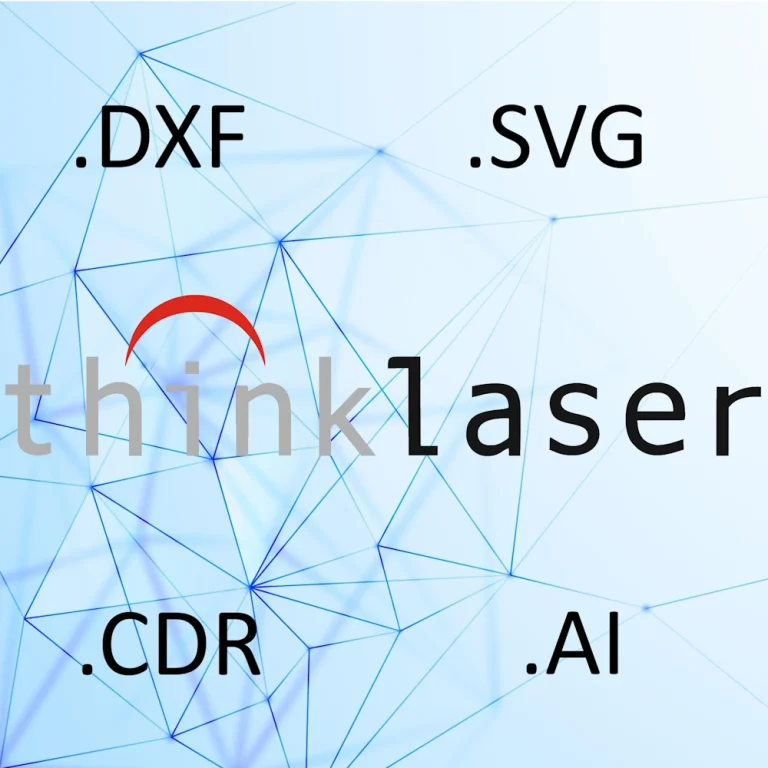
| File Format Support | SVG, DXF, AI, PDF, PNG, JPG, BMP, etc. | Limited (mostly DXF, AI, BMP, JPG) |
| Workflow Integration | All-in-one design, layout, and control | Split between design and processing |
| Layer Control & Organisation | Comprehensive with real-time preview | Functional but limited |
| Image Engraving Features | Excellent dithering, contrast, preview | Basic image handling |
| Controller Compatibility | Ruida, Trocen, TopWisdom, Galvo (EZCad2) | Ruida only |
| OS Support | Windows, macOS, Linux | Windows only |
| Support & Community | Strong forums, tutorials, active devs | Minimal support, outdated documentation |
| License Cost | ~£92–185 one-off, with optional updates | Free with Ruida-based machines |
| Galvo Laser Support | Yes (beta for select EZCad2 boards) | No |
| Education & Commercial Use | Fully supported | Functional but less efficient |
| Language Support | Multi-language interface | Basic multilingual support |
Conclusion
When considering Lightburn vs RDWorks, there is no single answer—only the right tool for the job. At Thinklaser, we equip all Lightblade systems with Ruida controllers to offer maximum flexibility, and we support both software options to meet the needs of different customers.
We encourage all prospective users to evaluate their current and future workflow requirements carefully. Our team is always available to provide expert advice, personalised recommendations, and hands-on support to help you get the most from your laser system.
Need help choosing the right laser software? Contact us today to speak with a Thinklaser technical expert.
Learn more about the Lightblade range of CO₂ laser machines and how they support both RDWorks and Lightburn workflows.
Frequently Asked Questions
Is LightBurn the best laser software?
Whether Lightburn is the “best” laser software depends on your specific needs, machine compatibility, and workflow—but for many users, it is widely regarded as the most powerful, user-friendly, and feature-rich software currently available for laser cutting and engraving.
Here’s a breakdown of why Lightburn is often considered the best choice:
✅ Strengths of Lightburn
User-Friendly Interface: Designed for both beginners and professionals, with an intuitive layout.
All-in-One Platform: Combines design, layout, and laser control in one program—no need to switch between multiple tools.
Advanced Design Tools: Includes boolean operations, image tracing, node editing, shape alignment, text tools, and more.
Cross-Platform Compatibility: Works on Windows, macOS, and Linux.
Supports a Wide Range of Controllers: Including Ruida, Trocen, and some Galvo boards (EZCad2-compatible), making it suitable for both CO₂ and fibre laser systems.
Active Development & Support: Regular updates, excellent documentation, and a helpful user community.
⚠️ Limitations to Consider
Not Free: Unlike RDWorks or EZCad, Lightburn requires a licence (typically ~£80–100 GBP), though it’s a one-time purchase with optional paid updates.
Limited Galvo Support (for now): While growing rapidly, Galvo support is still newer and may not support all features or hardware types.
No Direct Support for Proprietary Systems: Machines using software like RetinaEngrave or proprietary Epilog/Trotec software aren’t compatible.
👨🔧 Lightburn and Thinklaser
For Thinklaser Lightblade users, Lightburn is fully compatible and often recommended, especially for those seeking:
Easier design workflows
More precise control over settings
Compatibility with both cutting and engraving tasks
Future flexibility as Lightburn expands Galvo support
⭐ Verdict
Yes—Lightburn is arguably the best laser software available today for a wide range of laser machines and user types. While alternatives like RDWorks and EZCad have their place, Lightburn excels in usability, design features, and cross-machine versatility.
Is LightBurn a lifetime license?
Yes, LightBurn offers a lifetime licence for the base software, meaning once you purchase the licence, you own it indefinitely. However, it’s important to note that:
Lifetime Licence: When you purchase LightBurn, the licence is yours to use forever for the version you purchased.
Updates: LightBurn provides updates and improvements to the software for 12 months after your purchase. After that period, you can continue using the version you have, but you would need to pay an additional fee if you wish to receive updates beyond the first 12 months.
Optional Update Fees: After the first year, updates are available for a small annual fee (typically around £30/year), which helps keep the software up-to-date with new features and enhancements.
So, while you do get the software for life, ongoing updates require a separate renewal fee after the initial period.
Who makes RDWorks?
RDWorks is developed by Ruida Technology, a company based in China. Ruida is well-known for manufacturing laser controllers and CNC controllers used in a wide range of laser cutting, engraving, and marking systems. The RDWorks software is specifically designed to work with their Ruida laser controllers, which are commonly found in many laser machines, including those used in the Thinklaser Lightblade series.
While RDWorks is provided free of charge with Ruida-based machines, it is generally more basic in terms of features compared to more advanced software like LightBurn. It’s primarily used for controlling the laser, handling basic design tasks, and performing engraving or cutting operations.