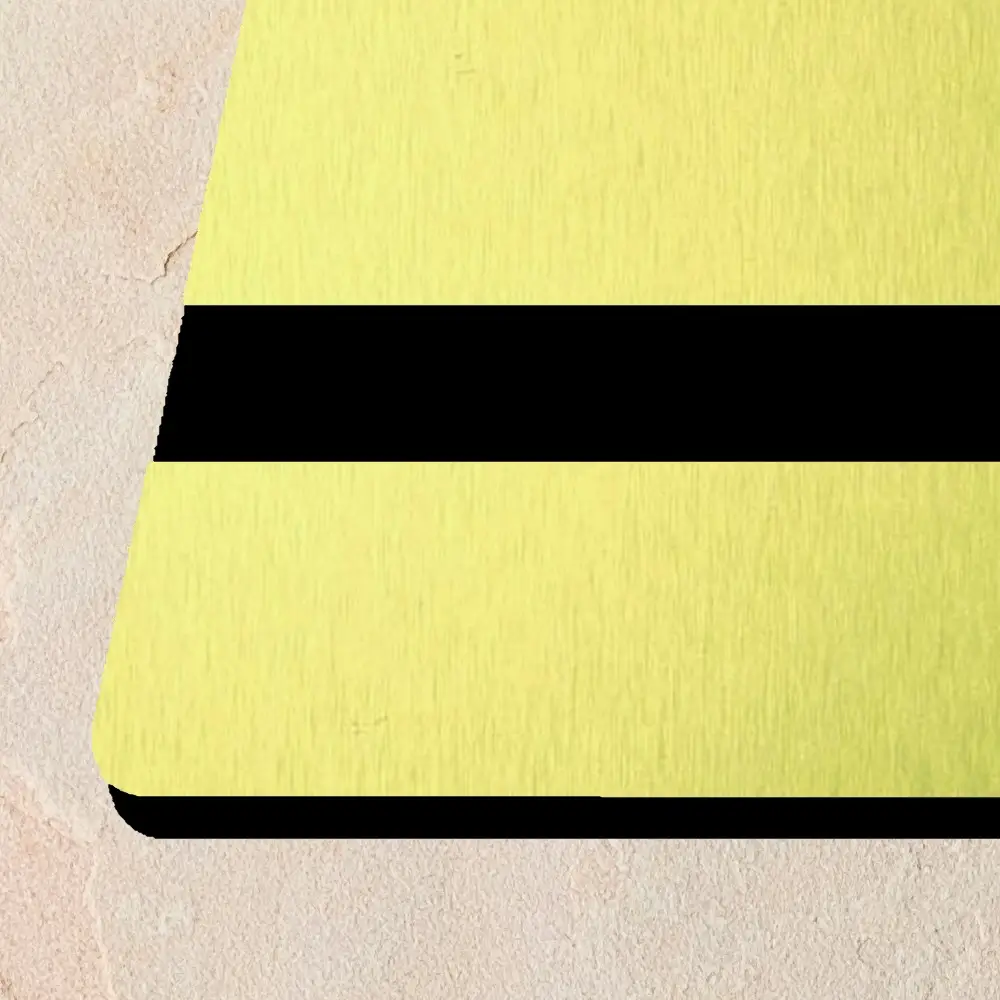
Ecolase Elements: Cost-Effective Twin-Ply Laser Acrylics
Price range: £35.95 through £72.17
Ecolase Elements Laser Acrylics: Thinklaser Limited’s twin-ply acrylic for laser engraving, designed as a cost-effective solution without compromising quality or versatility.
Full Sheet Size can be up to 610mm wide by 1220 ~ 1245mm long.
Description
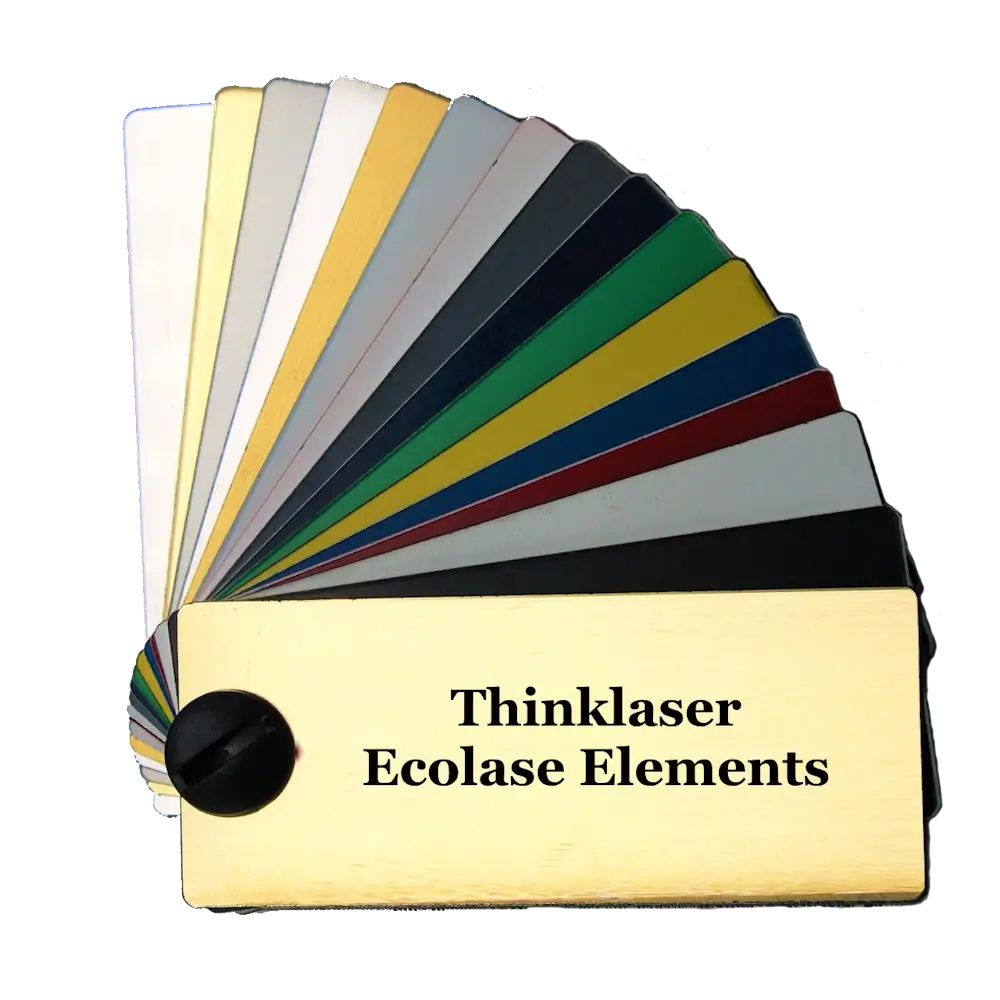
At Thinklaser Ltd, we proudly present Ecolase Elements laser acrylics—a twin-ply, laser-engravable material that combines premium performance with affordability. The Ecolase Elements incorporates a total of five metallic or wood effect finishes for those applications requiring a little more finesse and style than that supplied by the Ecolase Duo range. Designed for businesses, schools, and hobbyists alike, Ecolase Elements laser acrylics deliver outstanding results for a variety of cutting and engraving applications. A refined replacement for your legacy Traffolyte applications
Finishes Available
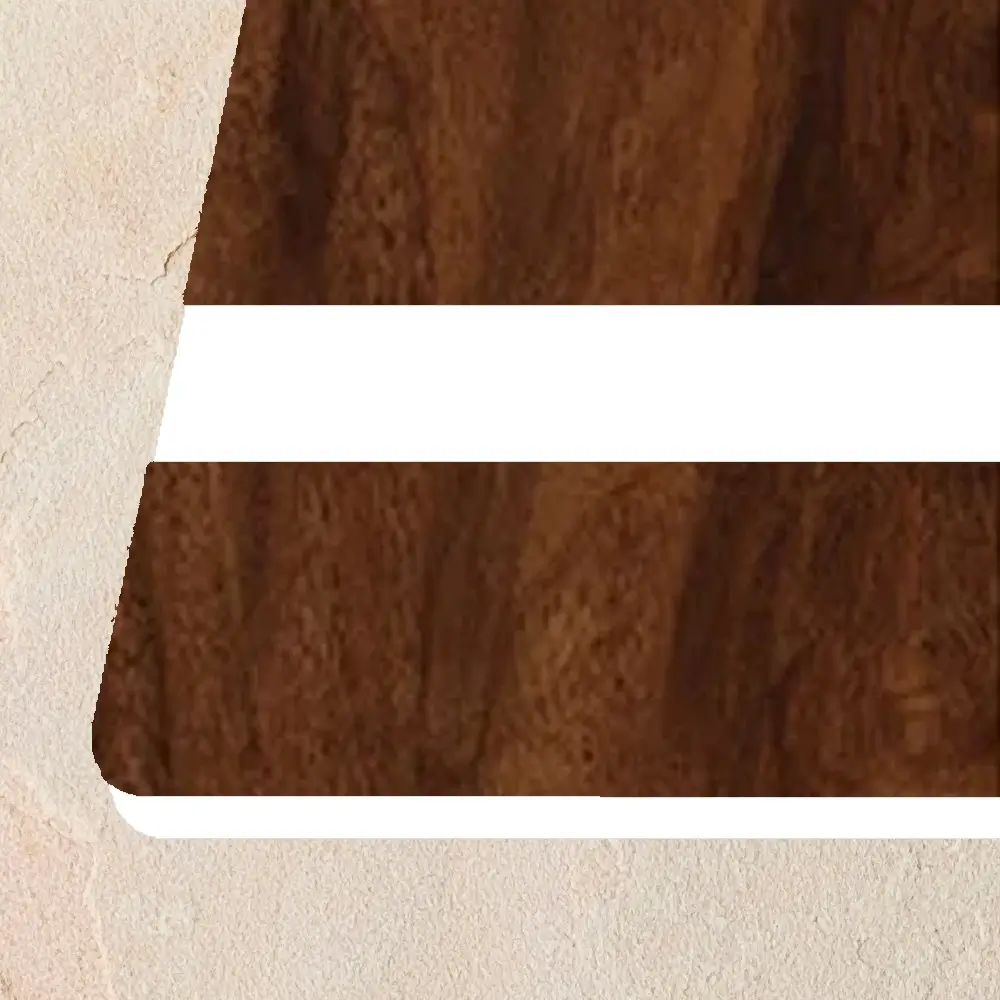
Brushed Aluminium / Black | Brushed Gold / Black | European Gold / Black | Smooth Silver / Black | Walnut / White
The images, colours and finishes on screen are approximate. For the real representation of the product always check the sample.
Key Features of Ecolase Elements Laser Acrylics
-
Dual-Layer Design: Featuring a durable, scratch-resistant core and a vibrant top layer, these laser acrylics ensure precision engraving with minimal residue, delivering clean, sharp detailing every time.
-
Specialist finishes: Available in a comprehensive selection of vibrant colours and finishes, Ecolase Elements is perfect for custom signage, nameplates, awards, and more.
-
Affordable Excellence: Ecolase Elements offers the premium performance of high-end laser acrylics without the high cost—an ideal choice for maximising your budget while maintaining superior quality.
-
Eco-Friendly: Produced with sustainability in mind, these laser acrylics minimise waste and environmental impact, aligning with your commitment to eco-conscious solutions.
-
Versatile Applications: From professional signage and plaques to awards and decorative items, Ecolase Elements excel across a range of industries, including retail, education, and corporate projects.
Why Choose Ecolase Elements Laser Acrylics?
- Cost-Effective: Enjoy premium engraving quality while saving on material costs.
- Sustainability: Crafted from eco-conscious materials, Ecolase Elements supports environmentally responsible practices.
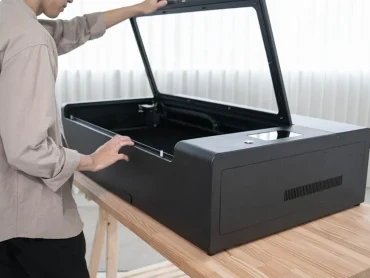
- Reliability: Designed for seamless compatibility with all standard laser cutting and engraving systems, including Thinklasers Lightblade range.
Whether you’re creating custom designs, engraving signage, or personalising awards, Ecolase Elements laser acrylics are your ultimate choice for professional-quality results at an affordable price.
Ecolase Duo is so good we use it ourselves in our subcontract services department, and use it with our stock products.
How to Laser Engrave Ecolase Elements Laser Acrylics
To achieve the best results when laser engraving Ecolase Elements twin-ply acrylic sheets, here are some tips to get you started:
Please Note: Each and every laser has it’s own particular performance and settings. Even two supposedly identical laser systems may perform differently, requiring slightly different settings.
1. Preparation
- Material Handling: We prefer to remove any protective film prior to engraving, as removing it after engraving can be time consuming.
- Cleaning: Use a lint-free cloth to remove dust or debris from the sheet before starting. Then, to remove the static from the surface, use a clean, damp lens cleaning cloth or a wet wipe. This will reduce engraving fumes or particulates from being deposited back onto the surface of the material.
2. Machine Setup
- Laser Type: Use a CO₂ laser system for optimal results.
- Extraction: Ideally, there needs to be a constant airflow over the top of the material in order to quickly remove the fumes and particulates generated by the engraving process.
- Start Location: The engraving needs to start at the front of the laser bed (furthest from the extraction port), as this will stop fumes and particulates falling onto already engraved sections.
- Air assist: Air assist needs to be just enough to protect the lens from fumes and debris, but not enough to blow the fumes and particulates back onto the surface. If possible use a lens nozzle combination that increases the distance between the nozzle and material and / or use a nozzle with a large aperture.
- Power and Speed Settings: Adjust these based on the power of your laser system:
- Start with low power and moderate to high speed for engraving to avoid over-burning and vaporising too much of the 2nd layer.
- Typical settings (for a 60W laser) might be:
- Engraving: Power ~18%, Speed ~300mm/s.
- Cutting: Power ~50%, Speed ~30mm/s.
- Always test on a spare piece first to fine-tune settings.
3. Engraving Techniques
- Focus: Ensure the laser beam is properly focused for sharp and clean engraving.
- Speed: When carrying out tests, start with a high speed and gradually decrease the speed until it just removes the top coating. Then reduce by 3~5mm/s to account for variables in thickness.
4. Laser Cutting Acrylic (If Required)
- Air Assist: Normally you would want air assist on full when laser cutting, however, with acrylics it’s usually better to have low air assist as it prevents the material from cooling too much during the cutting process.
5. Post-Engraving Care
- Cleaning: Use a mild soapy solution or isopropyl alcohol with a soft cloth to remove residue. Avoid harsh chemicals that might damage the surface. I’ve had success with magic sponges to remove melted on particulates.
Tips for Best Results
- Contrast: Our Ecolase Duo sheets are designed for strong contrast between layers, so ensure engraving depth fully exposes the second layer.
- Design Optimisation: Use vector graphics for sharp, clean edges, and avoid low-resolution images on these laser materials.
- Testing: Always test settings on a scrap piece to ensure desired results.
Following these steps will deliver precise and professional-quality engravings on our Ecolase Elementstwin-ply acrylic sheets.
Additional information
| Weight | 2.6 kg |
|---|---|
| Dimensions | 124.5 × 61 × 0.3 cm |
| Colour | Brushed Aluminium / Black, Brushed Gold / Black, European Gold / Black, Smooth Silver / Black, Walnut / White |
| Thickness | 1.5mm, 3.0mm |
| Size | Full Sheet: 1245 x 610mm, Half Sheets: 610 x 610mm (Pack of 2), Quarter Sheet: 305 x 610mm (Pack of 4) |
Related products
-

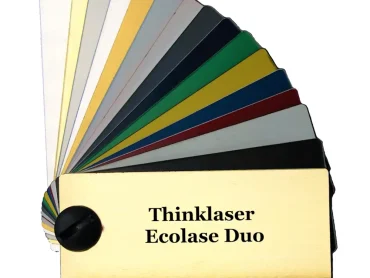
Ecolase Duo: Cost-Effective Twin-Ply Laser Acrylics for Laser Engraving
Price range: £35.95 through £72.17 Select options This product has multiple variants. The options may be chosen on the product page -
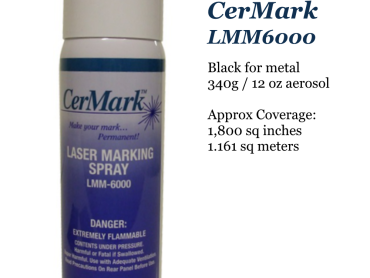
CerMark LMM-6000
£116.67 Add to cart -
Prolase Duo: Premium Twin-Ply External Laser Acrylics for Laser Engraving
Price range: £35.95 through £37.95 Select options This product has multiple variants. The options may be chosen on the product page -

Ecolase Veneer – Precision Laserable Wood Sheets
Price range: £16.27 through £16.87 Read more